[TP-25] Creating Temperature Profile Follow

The TP25 gives you the option to create your own custom preset. Your custom presets will be saved and can be recalled for future cooks.
1. Tap the selected preset.
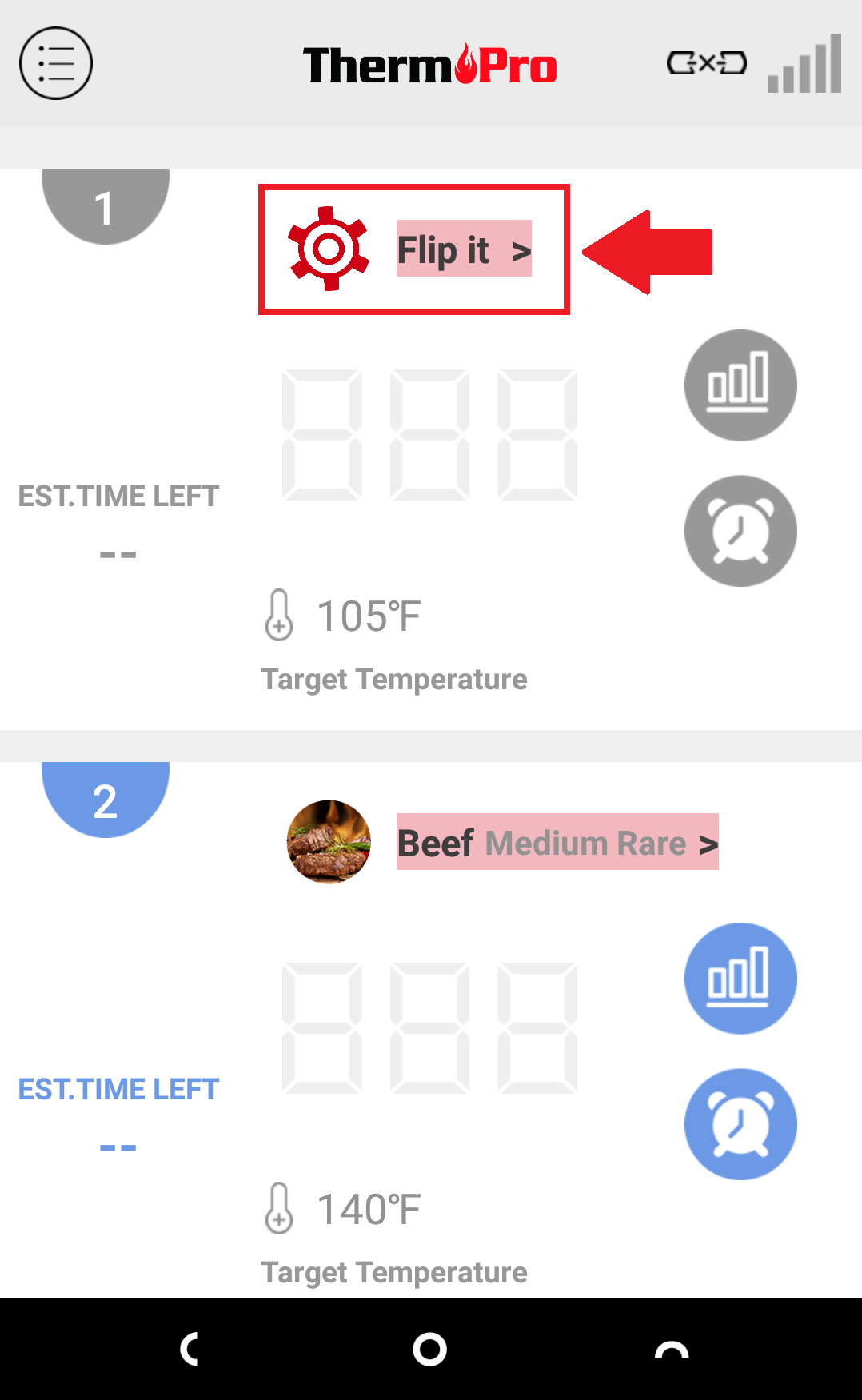
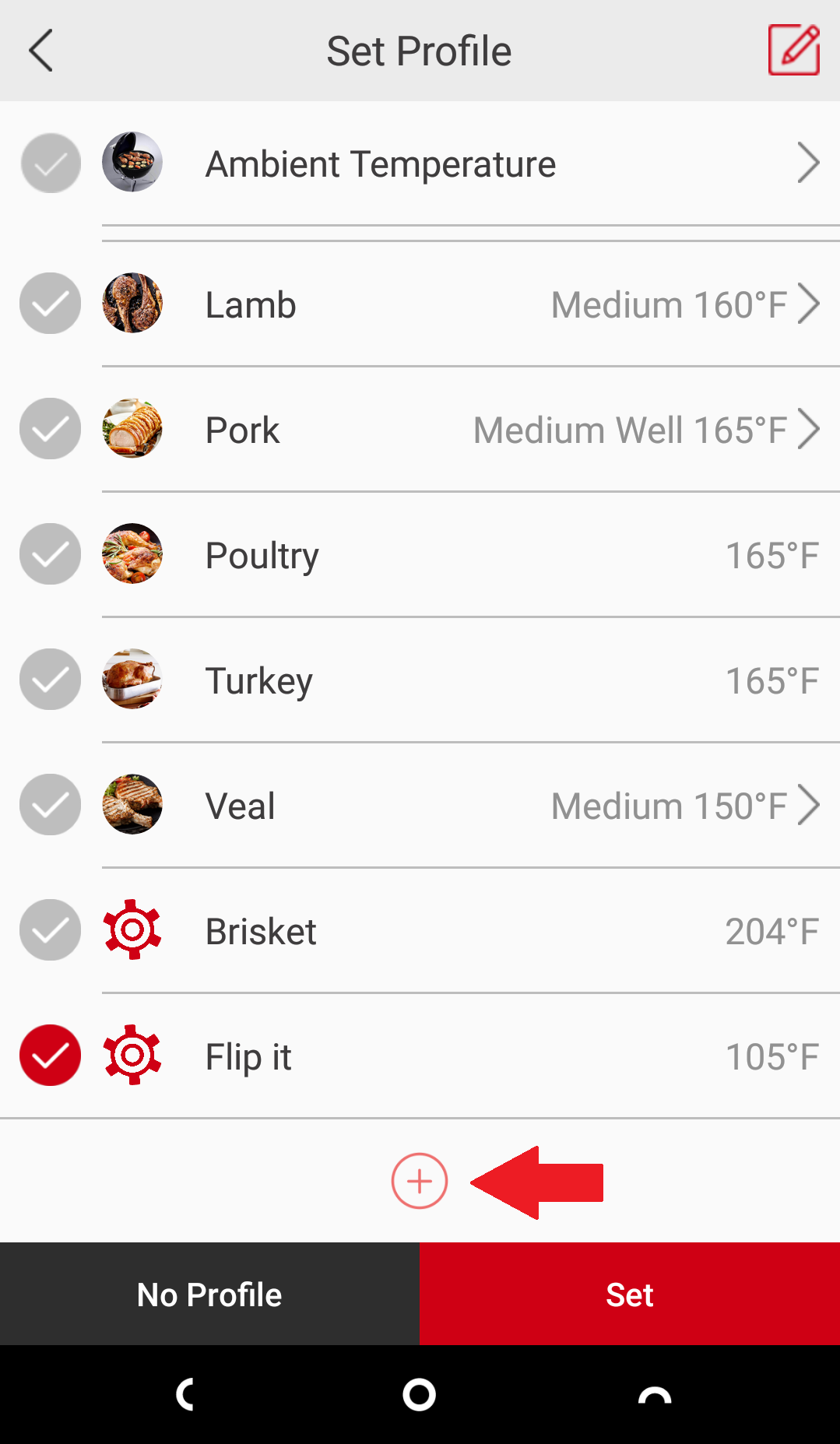
2. Scroll down to the bottom and tap the plus sign.
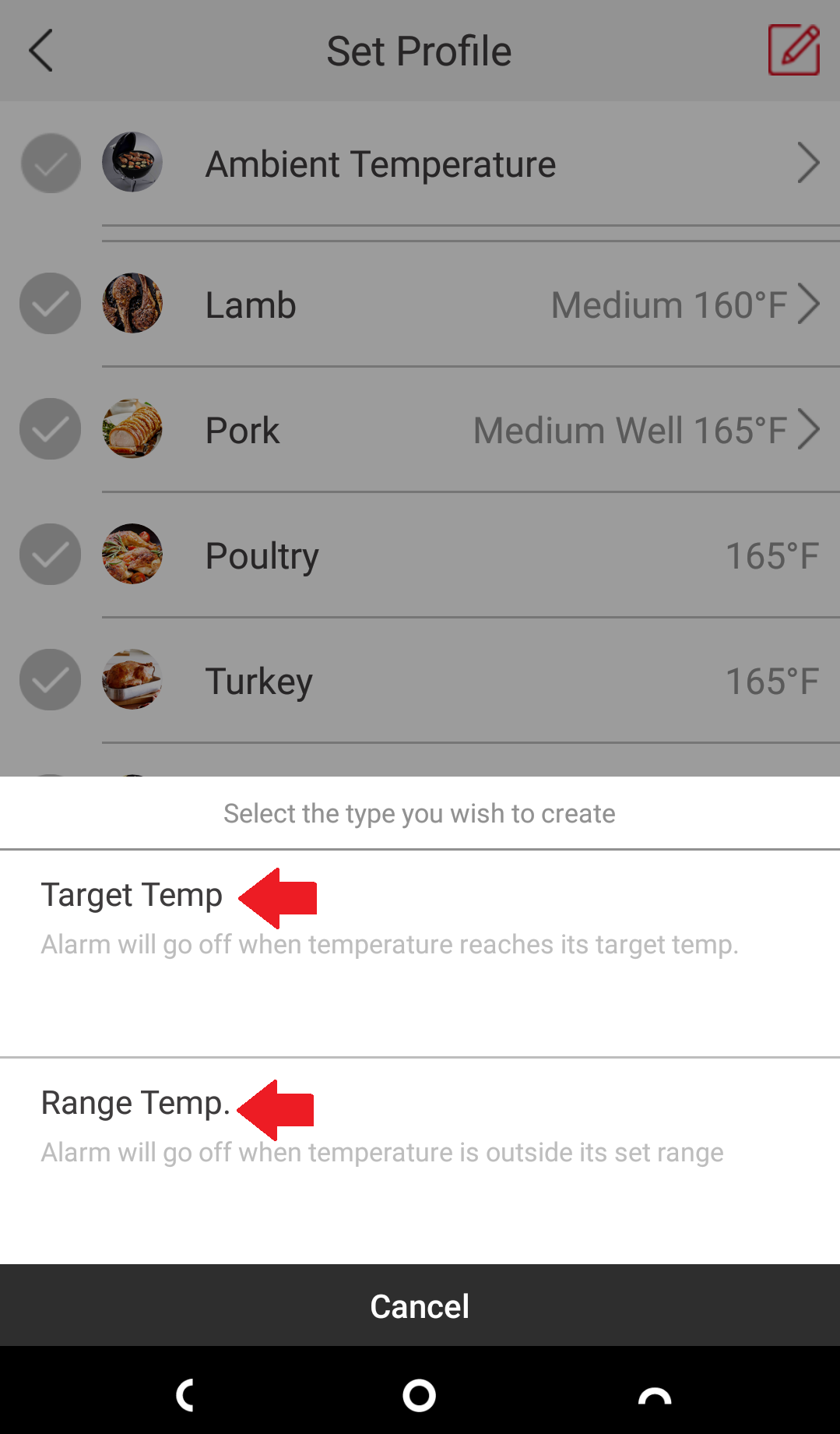
3. Select whether you'd like to set a certain temperature or a range of temperatures.
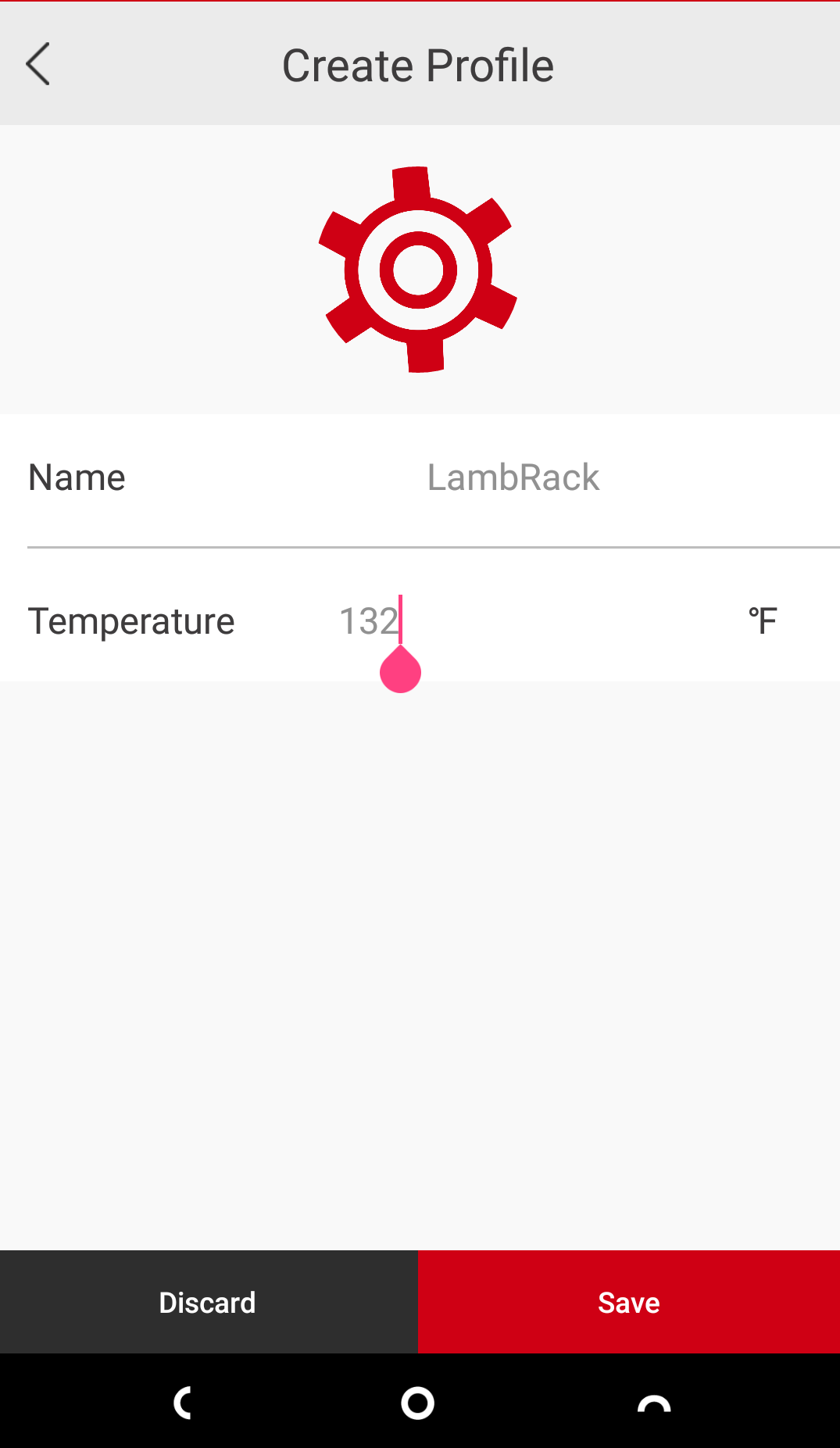
4. Name your custom preset then fill in the temperature.
5. Select the new custom preset if you would like to use it.
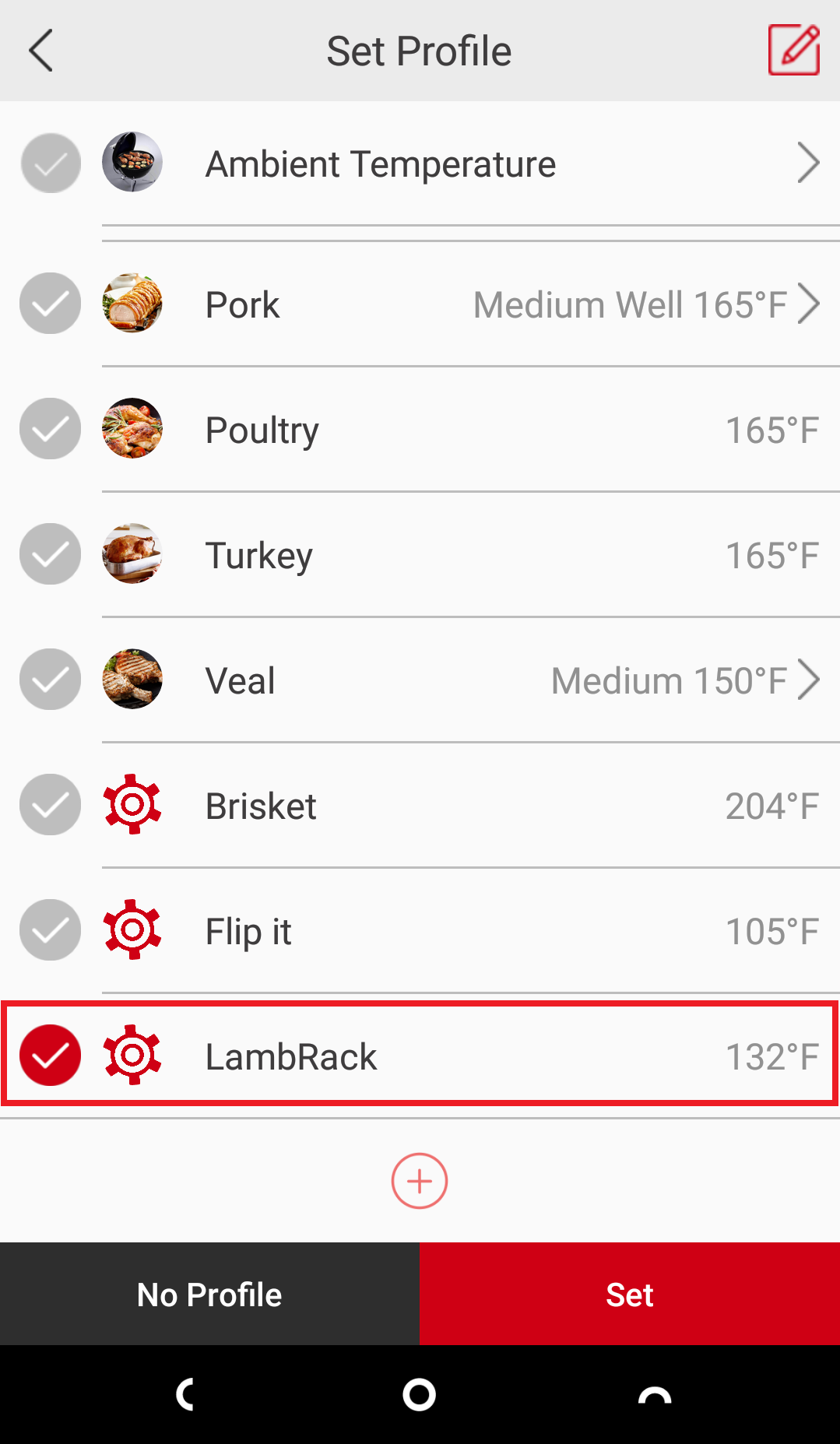
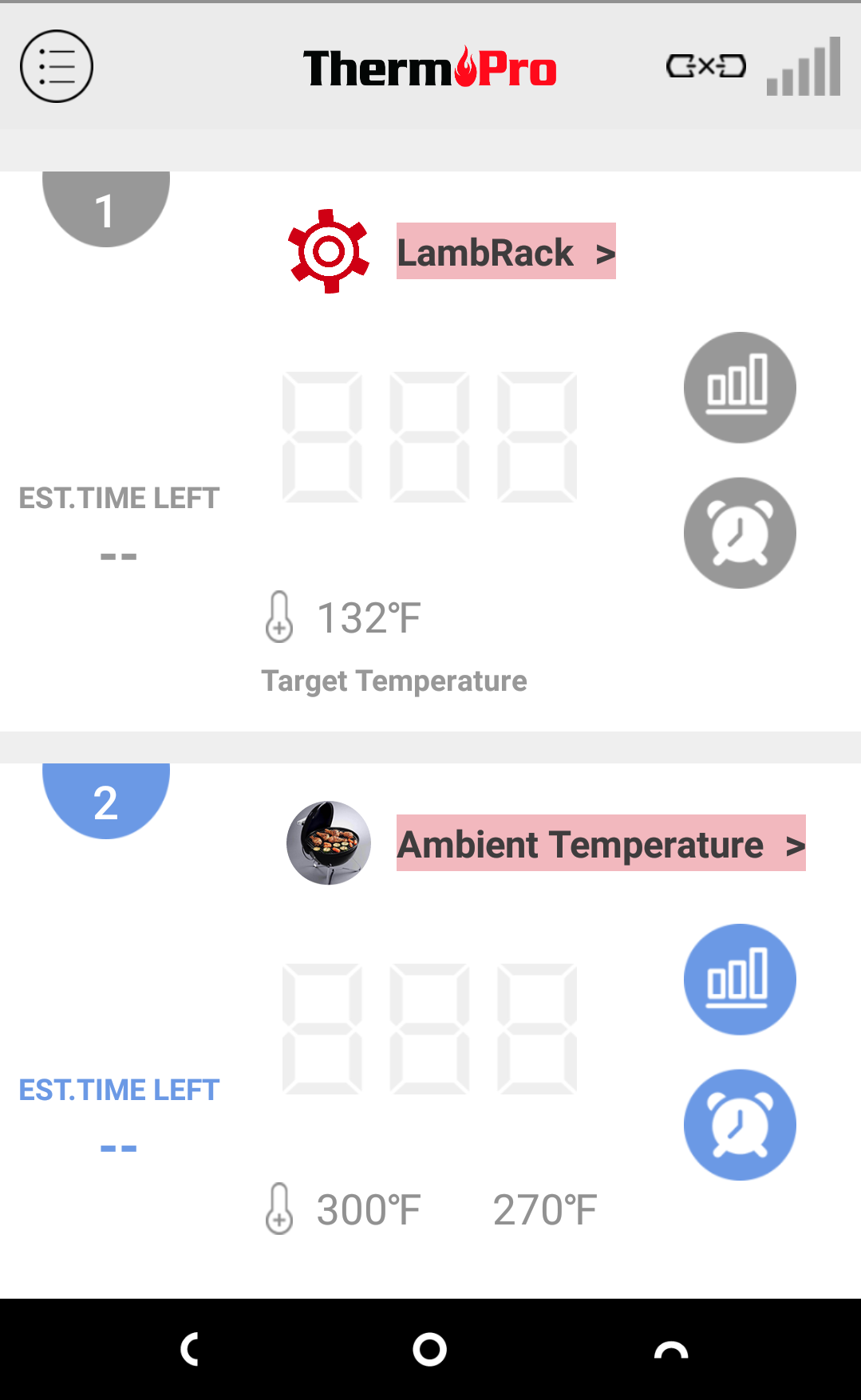
6. You're all set.
Comments
0 comments
Please sign in to leave a comment.